Ask any HR manager what eats their month and the answer is usually the same: attendance corrections and leave questions. Someone forgot to punch in. Someone's leave balance looks wrong. Two people in the same team are away on the same day. Each one is small, but together they delay payroll and wear down trust.
Almost all of this comes from rules that were never written down clearly. Here is how to define attendance and leave rules once, so that the system applies them for you.
Step 1: decide how attendance is recorded
- Shift patterns. Fixed day shifts, night shifts and rotating rosters all need to be defined.
- How people punch. From the web, from a phone, or on a biometric device. If you have field staff, decide whether location checks (geo-fencing) apply.
- Work from home and on-duty days, and how they are approved.
Step 2: set the rules for the awkward cases
- Late marks and half-days. After how many minutes is someone late, and how many late marks make a half-day?
- Missed punches. A regularization request that goes to the manager, with a deadline, beats a paper form.
- Overtime. Who can claim it, and does it need approval first?
When these rules are written in the system, nobody argues about what the policy says. The system applies it the same way to everyone.
Step 3: define your leave types and how they build up
- Leave types: casual, sick and earned leave, comp-off for working on a holiday, and any special types you offer.
- Accrual: how many days a person earns, and when.
- Carry-forward and encashment: what happens to unused leave at year end.
- Holiday calendars: one per branch if your offices are in different cities.
Step 4: route approvals to the right person
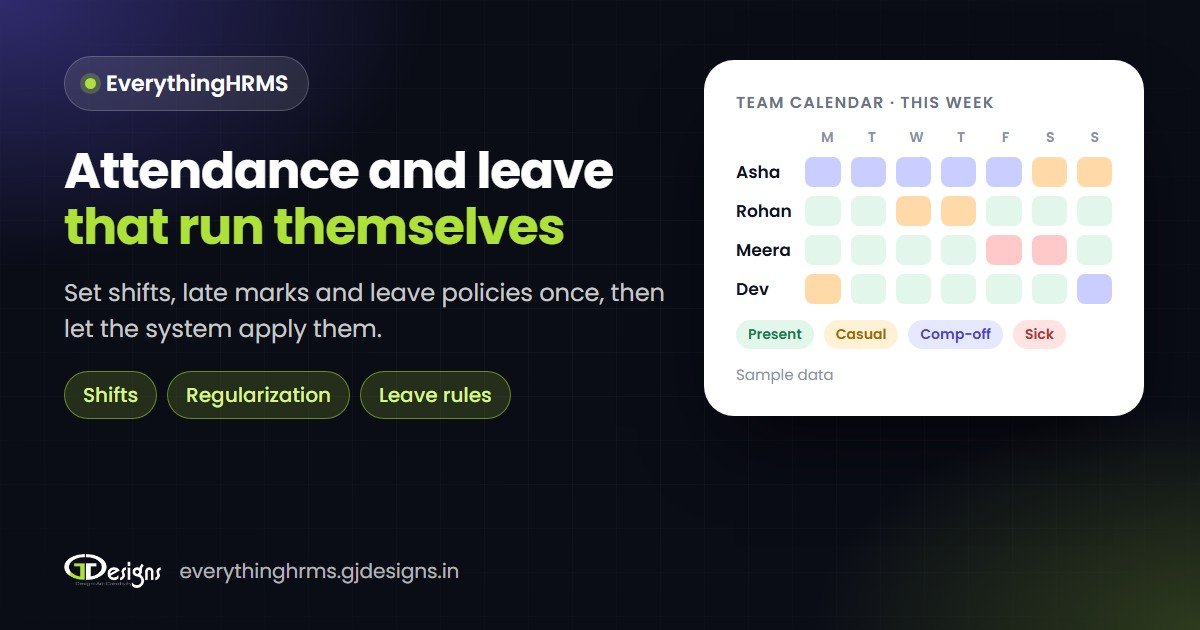
A leave request should go to the right manager automatically, and the manager should be able to approve or reject it in one click. A team calendar helps a manager see who else is away before they say yes, which avoids everyone being off on the same day.
Step 5: lock the month before payroll
Payroll depends on attendance. Once corrections are finished, lock the monthly register so numbers stop changing underneath the payroll run. After that, any late change becomes a deliberate exception, not a silent edit.
How EverythingHRMS does this
EverythingHRMS is built around these steps:
- Attendance and time: shifts and rosters including night shifts, web, geo-fenced and biometric punching, regularization, work from home, overtime, and a monthly register you can lock.
- Late marks and half-days worked out for you from your rules.
- Leave and holidays: accrual, carry-forward and encashment, comp-off, a team calendar, holiday calendars per branch and year-end processing.
- Self-service: employees see their own leave balance and apply from any phone, and managers approve from one inbox.
- Payroll connection: its India-ready payroll uses the attendance you have locked, so the two are not typed separately.
Questions to answer before you configure anything
- What is our grace period for late arrival?
- How many late marks equal a half-day?
- How long after a missed punch can someone regularize?
- Which leave types do we offer, and how many days each?
- What carries forward, and what is encashed?
- Which holidays apply to which branch?
- On what date do we lock attendance each month?
Write the answers down first, then set them up once. If you want to see how this works in practice, explore EverythingHRMS or ask us for a walkthrough. Check statutory points such as leave rules against the law that applies to your state and industry.